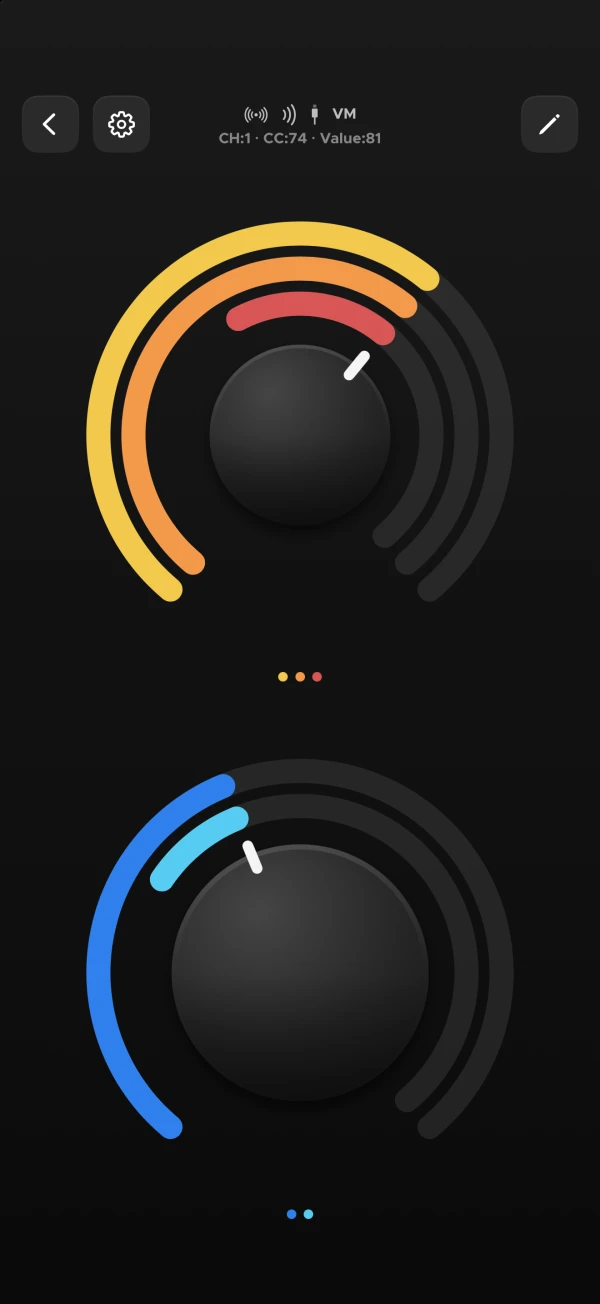
The new editor allows a much more fluent workflow, with component additions and edits keeping the original context.
The built in presets allow you to start off easily and customize as you want.
Move, resize, duplicate — everything is quick and easy.
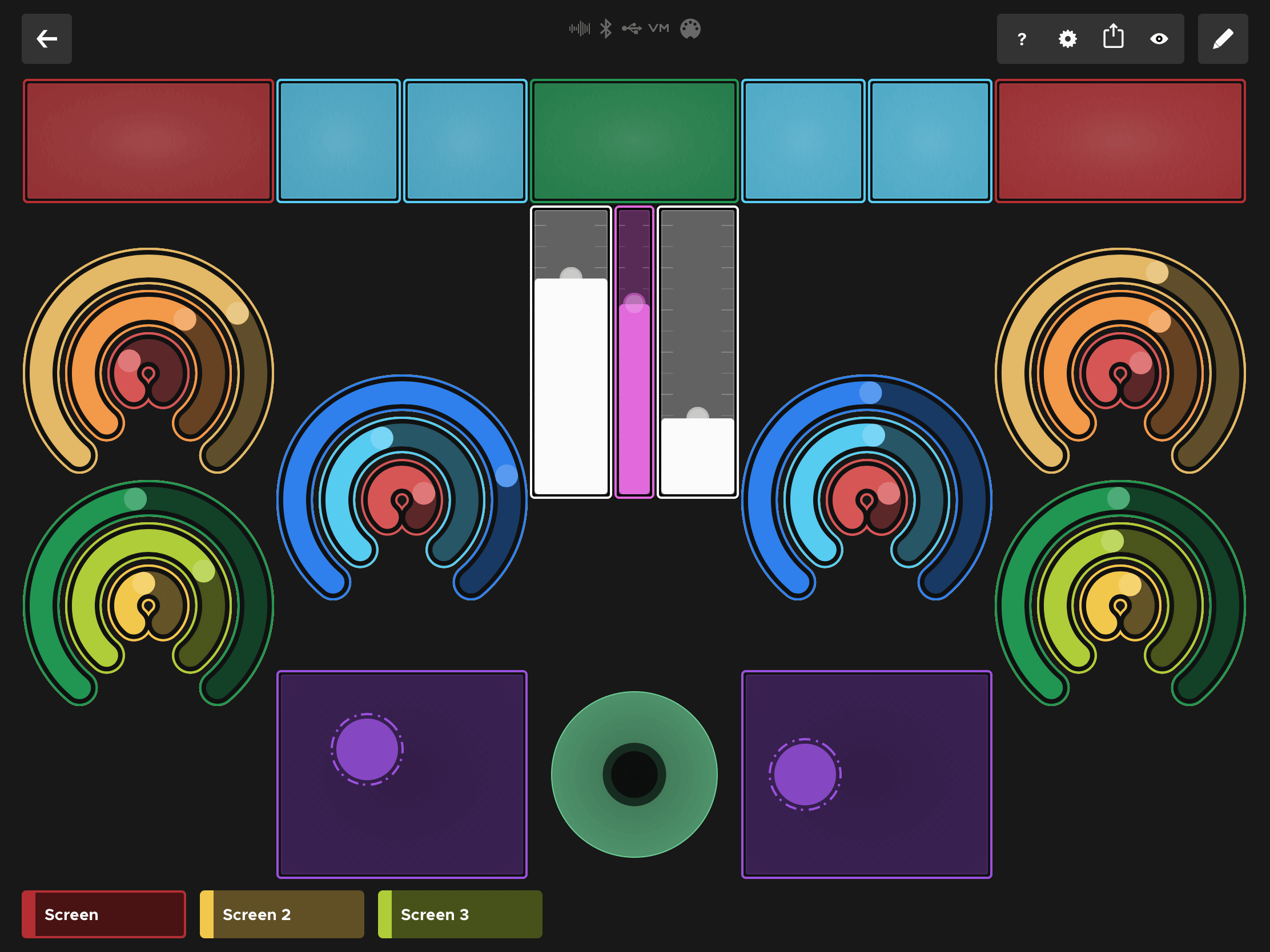
Sonic Logic has 7 built in components which you can use and configure.
You can also make component groups and bulk-configure them.
New in version 5: bundle several knobs, sliders or pads into one reusable macro — build a control once, then drop it anywhere in your setup.
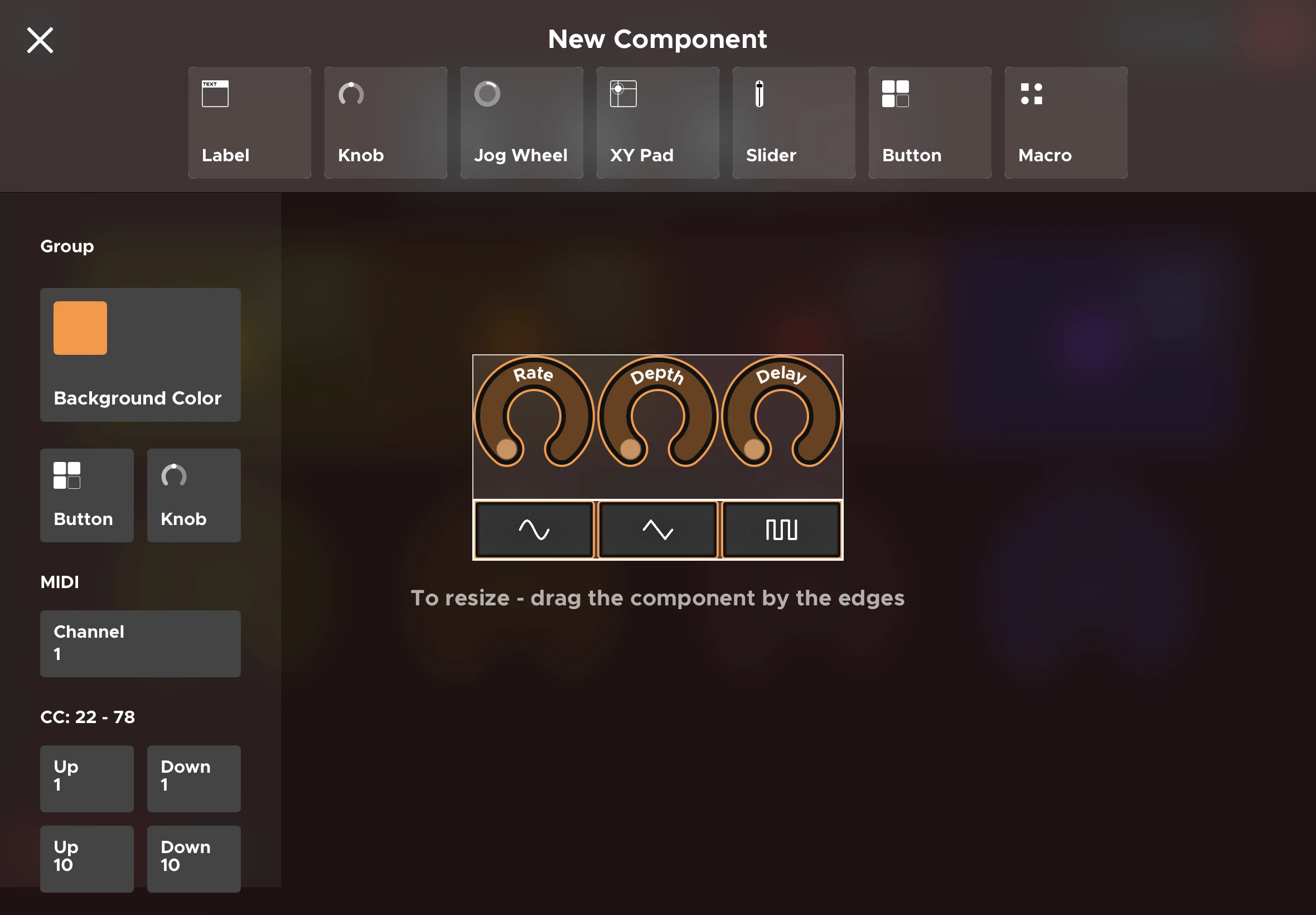
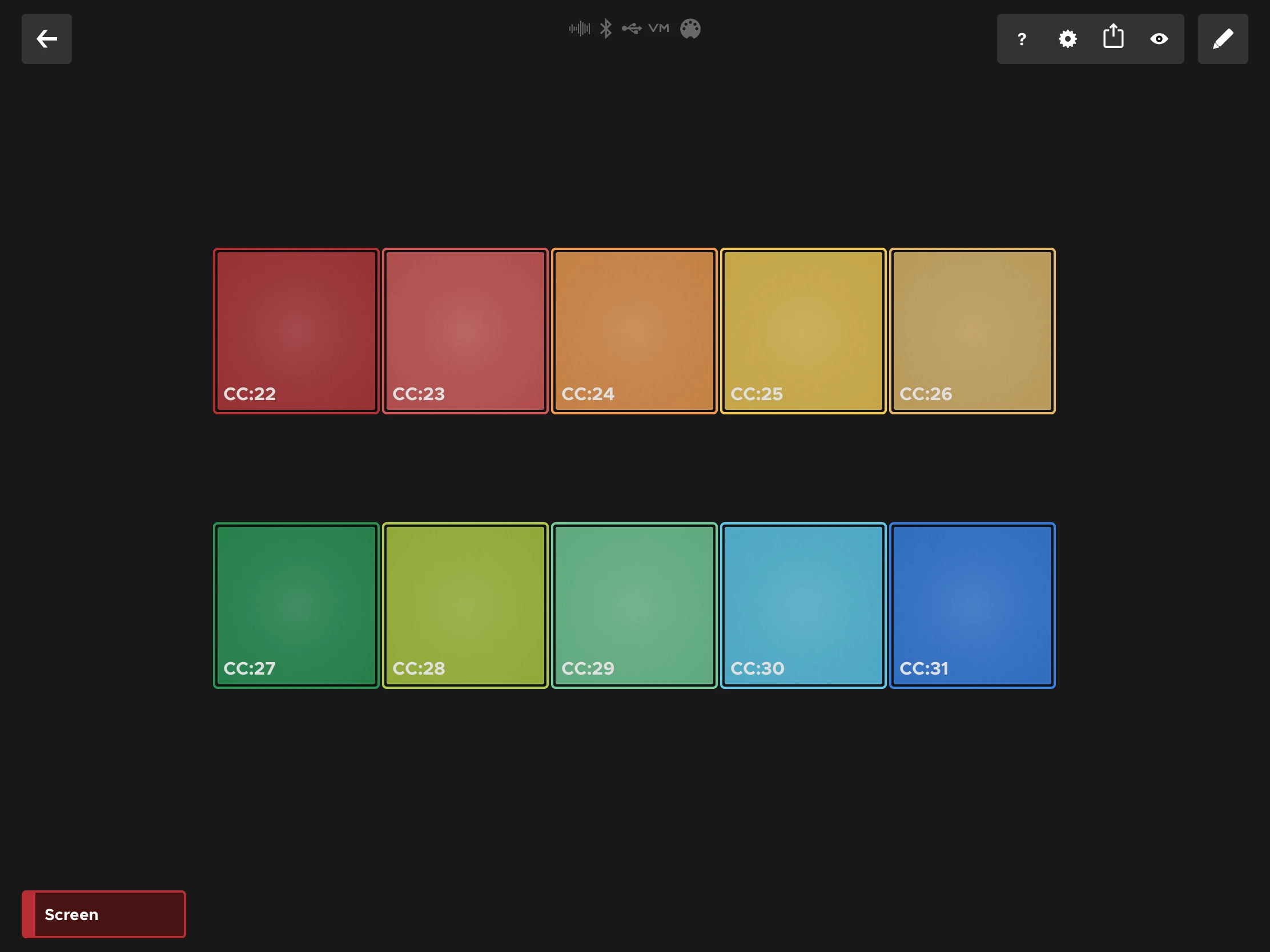
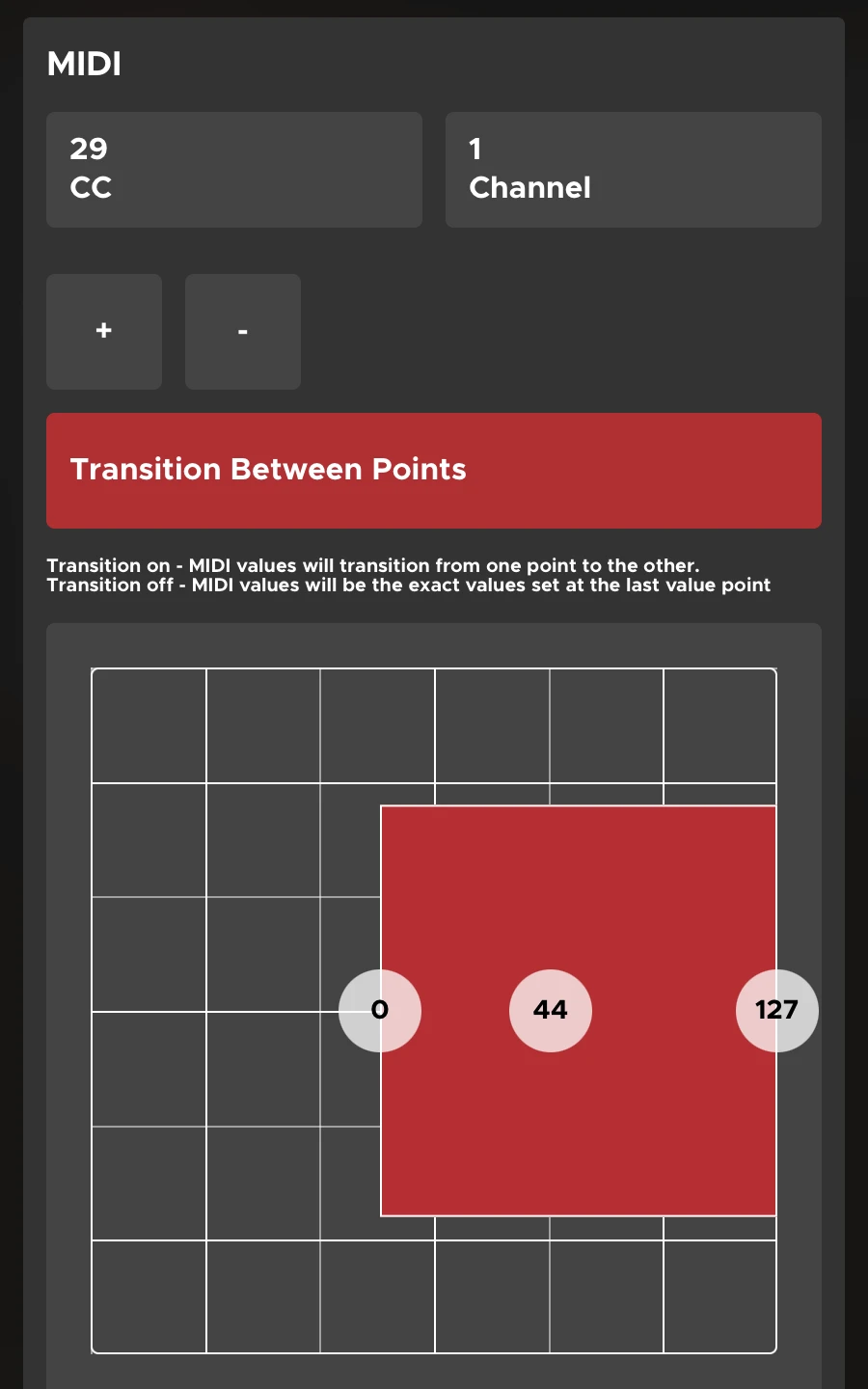
Drag knobs, sliders, pads, XY pads and jog wheels onto a canvas. Tune their MIDI mapping, color and behavior. Save the layout. Switch setups in a tap.
Bundle several knobs, sliders or pads into one reusable macro — build a control once, then drop it anywhere in your setup. Version 5 ships a library of them, ready mapped.
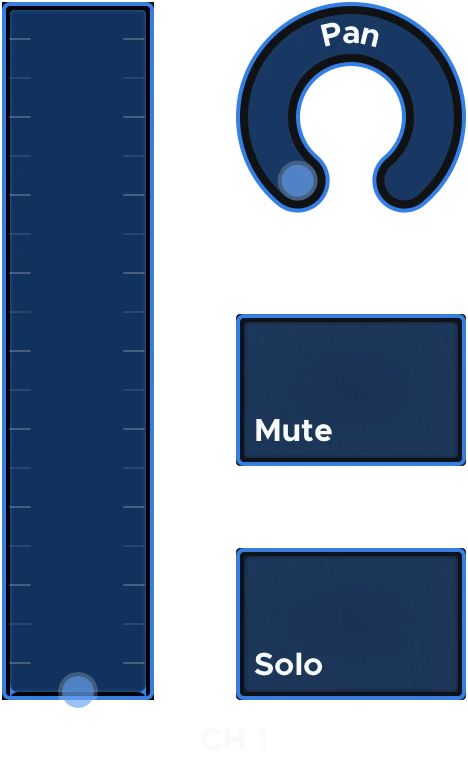
Full channel strip: volume fader on CC 7, pan knob on CC 10, and sticky Mute and Solo toggles on CC 102 and 103.
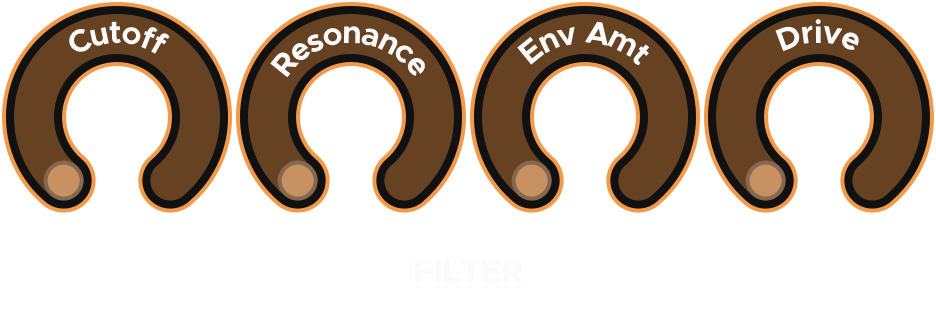
Cutoff on CC 74 and Resonance on CC 71 — the standard filter pair — plus Env Amount and Drive.
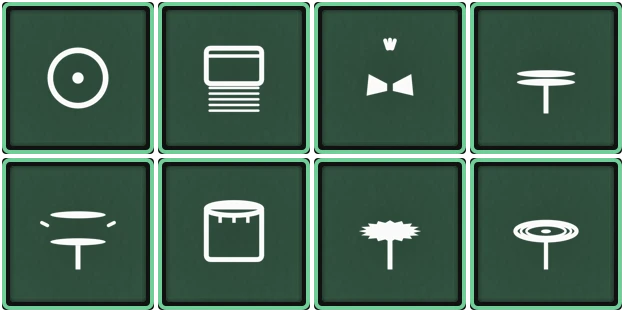
Eight General MIDI drum pads on channel 10 — kick, snare, clap, hats, tom, crash and ride. These send notes, not CC.
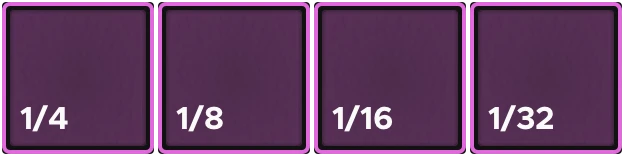
Four momentary stutter buttons at 1/4, 1/8, 1/16 and 1/32. Each sends 127 while held and 0 on release, so the effect lasts exactly as long as your finger does.

Play, Stop and Record as a single-selection group, plus sticky Loop and Metronome toggles and a momentary Tap button.
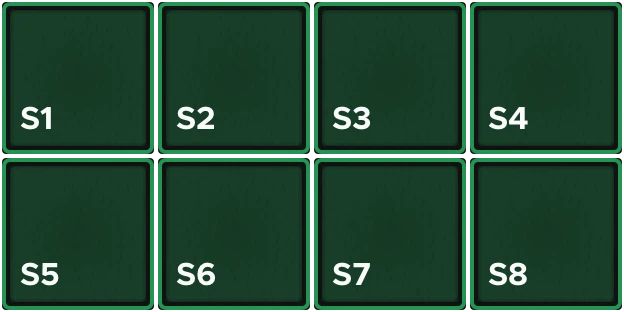
Eight momentary scene triggers on CCs 110–117. Each sends 127 on press and 0 on release.
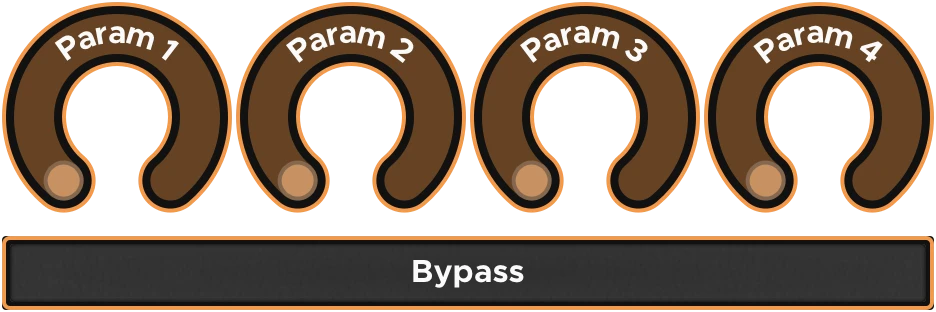
Four effect knobs and a bypass toggle, laid out like a pedal. Retitle the knobs and point them at whatever your unit actually listens to.
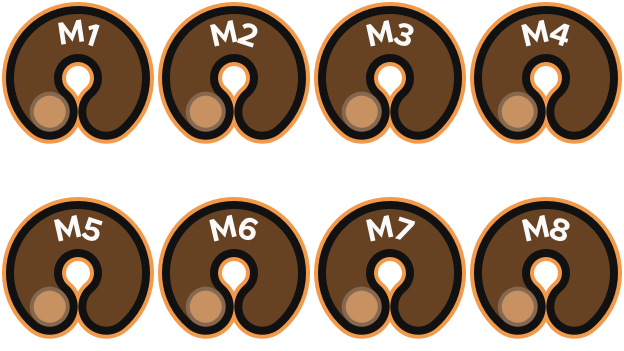
Eight assignable knobs, M1 to M8, on CCs 102–109 — a blank bank to point wherever your instrument needs it.
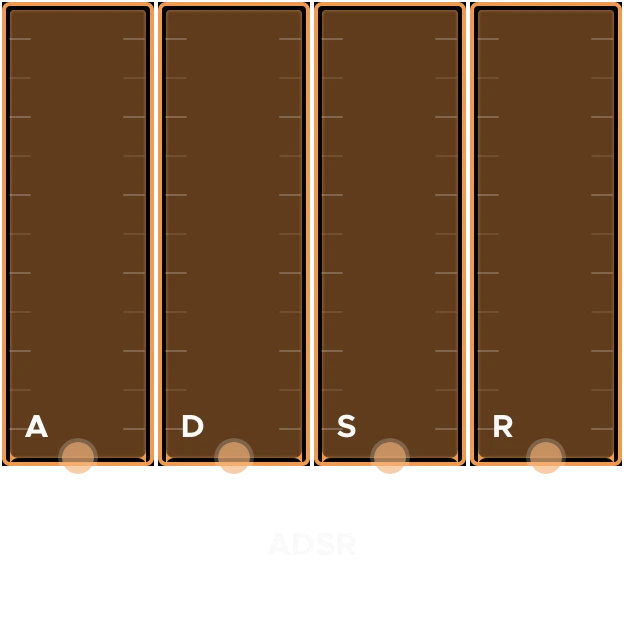
Attack, Decay, Sustain and Release as four faders, on the common envelope CCs 73, 75, 70 and 72.

Eight momentary buttons sending sequential Program Change messages, for recalling patches without leaving the surface.

Clean, Crunch, Lead and Ambient as a four-way single selection sharing one CC, color-coded per tone.
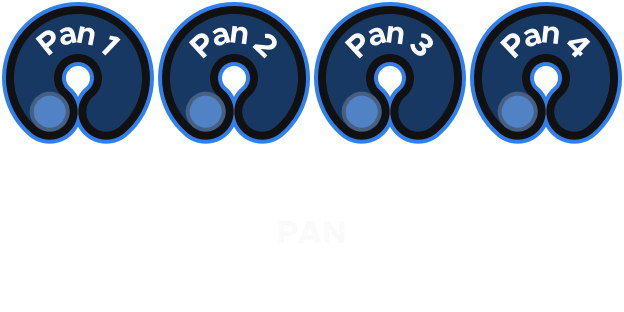
Four pan knobs on CC 10, one for each of MIDI channels 1 to 4 — the same control across four destinations at once.
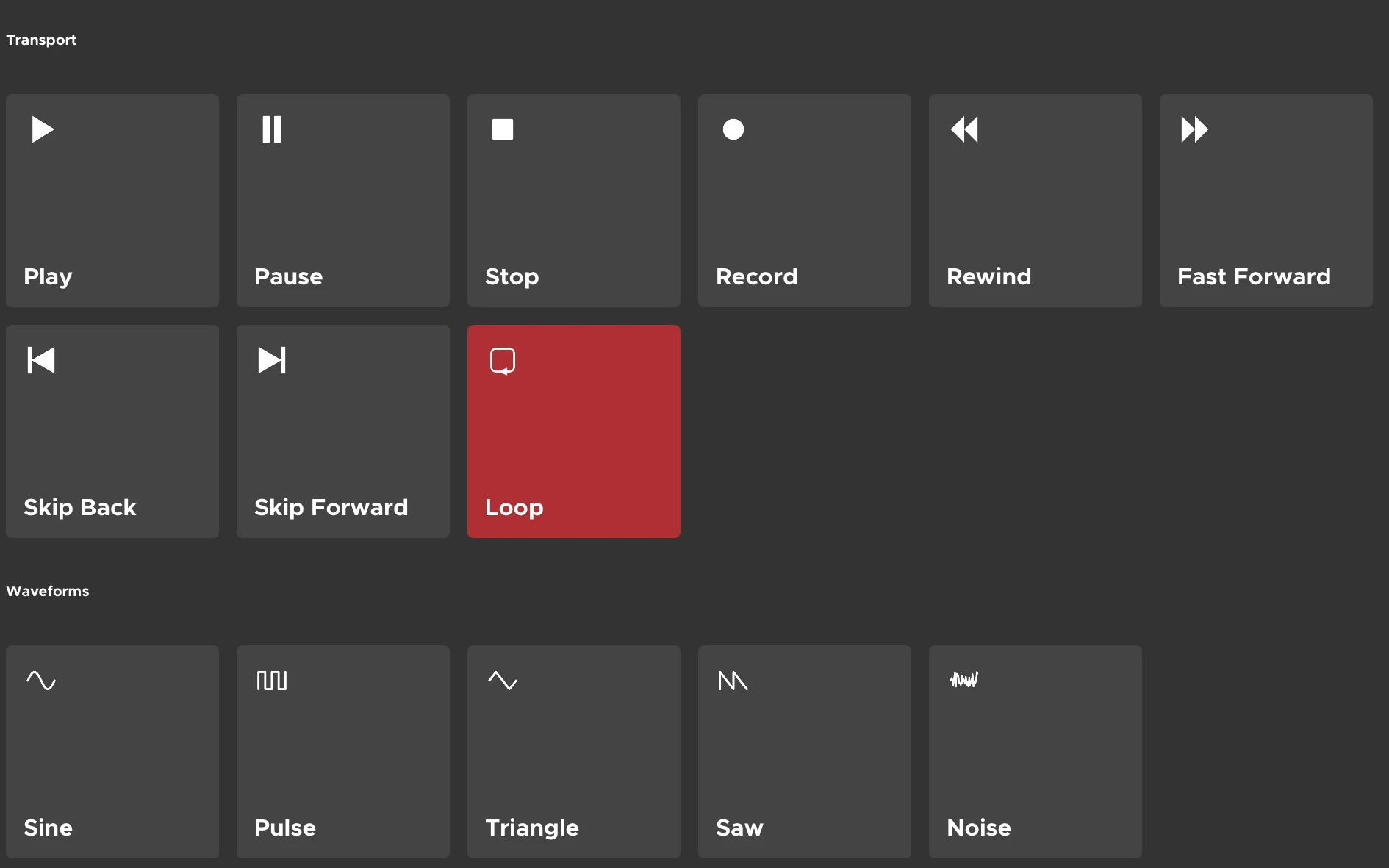
Give any button a custom image instead of a plain label, so a dense surface reads at a glance instead of a wall of text.
Groups now understand layout better, including new inline groups that flow components side-by-side without manual positioning.
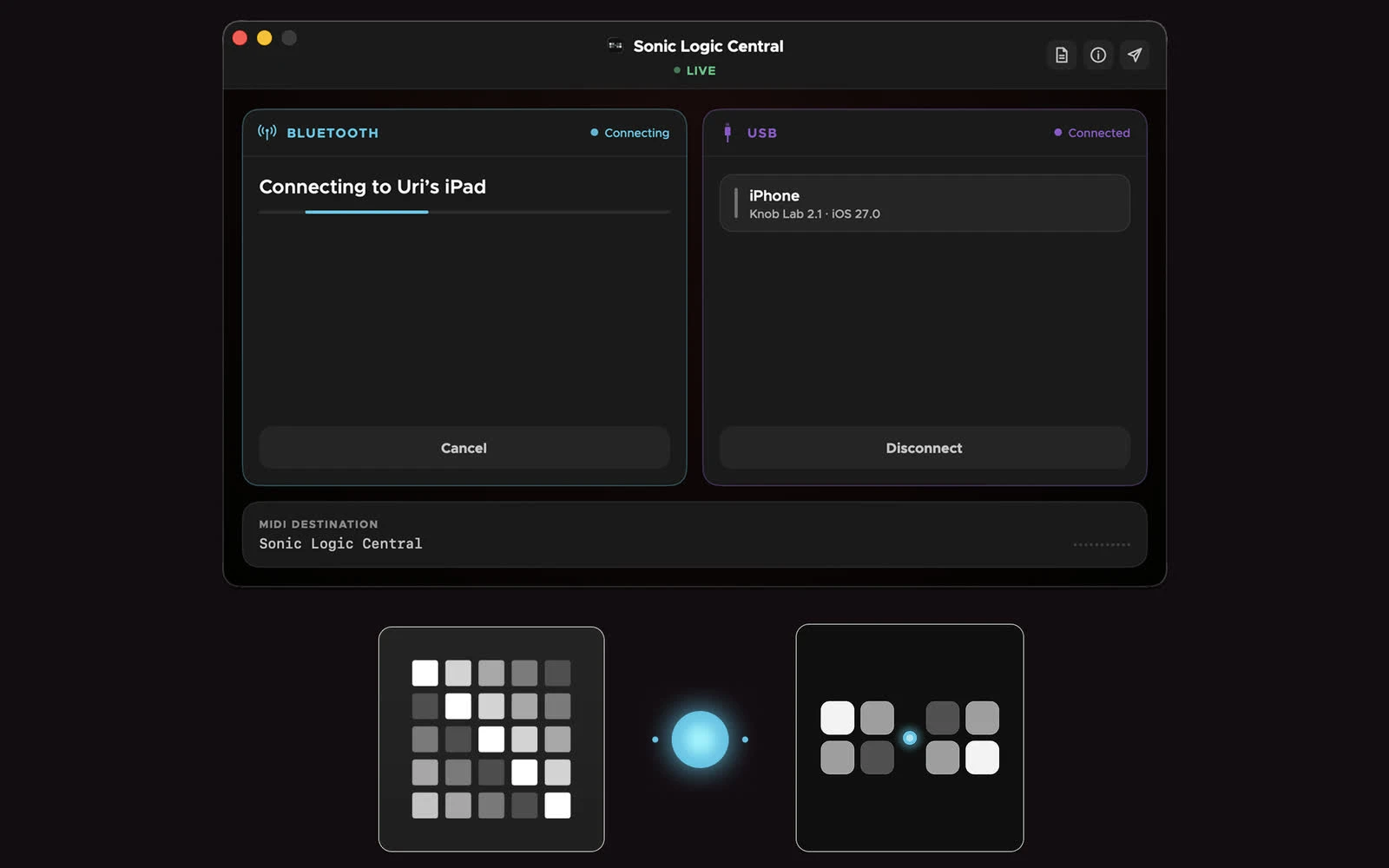
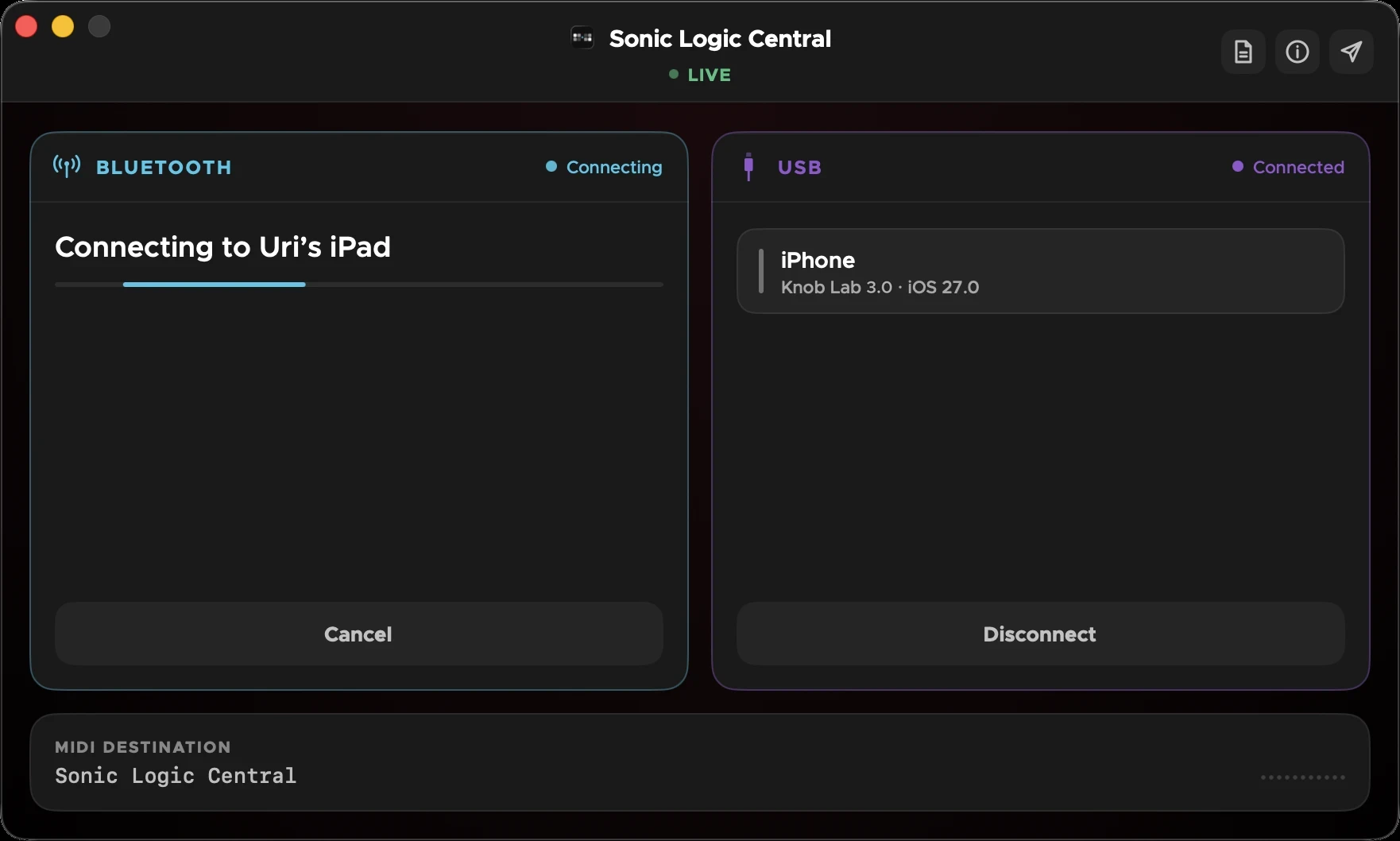
Move between your iPad and Mac mid-session — Central picks up the connection automatically, no reconnect step.
A faster, more fluent editor overall — component edits keep their context, and common actions take fewer taps.