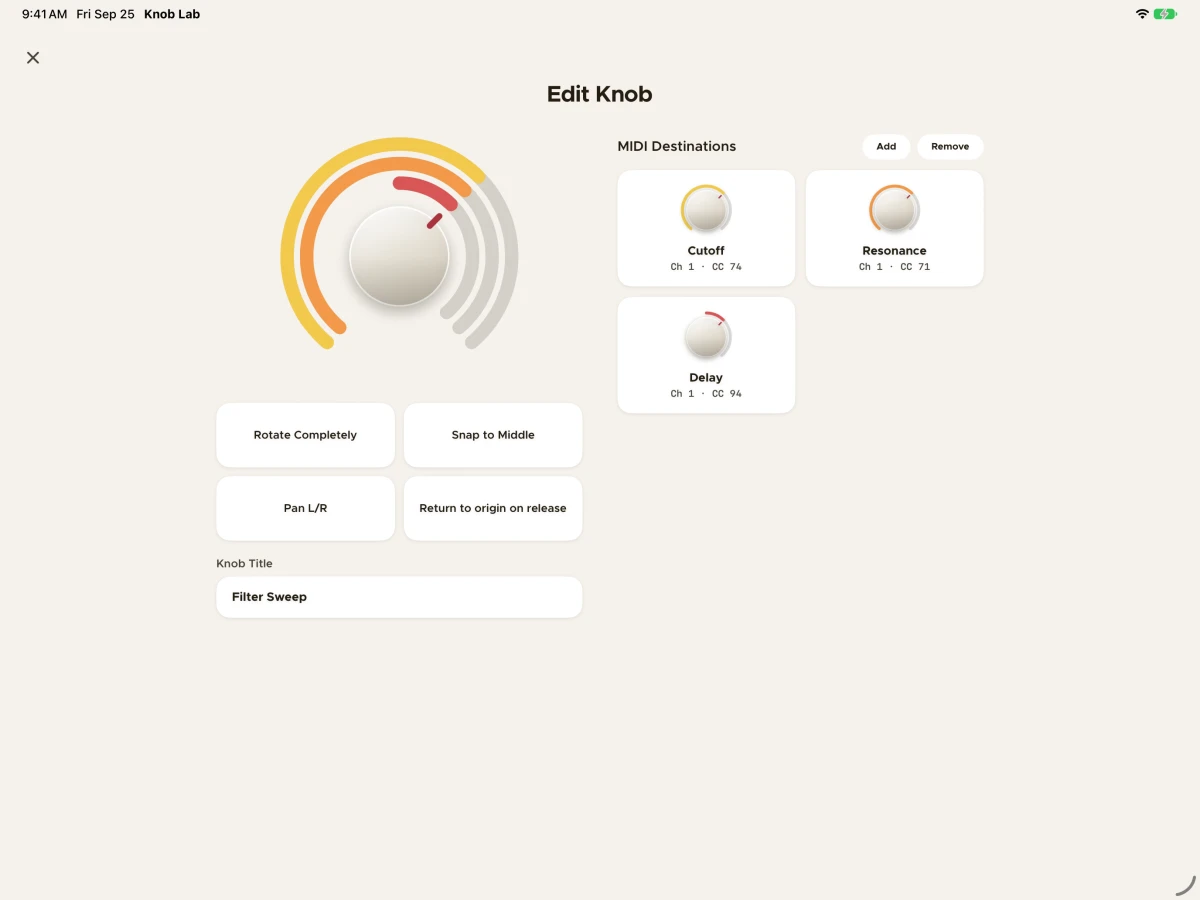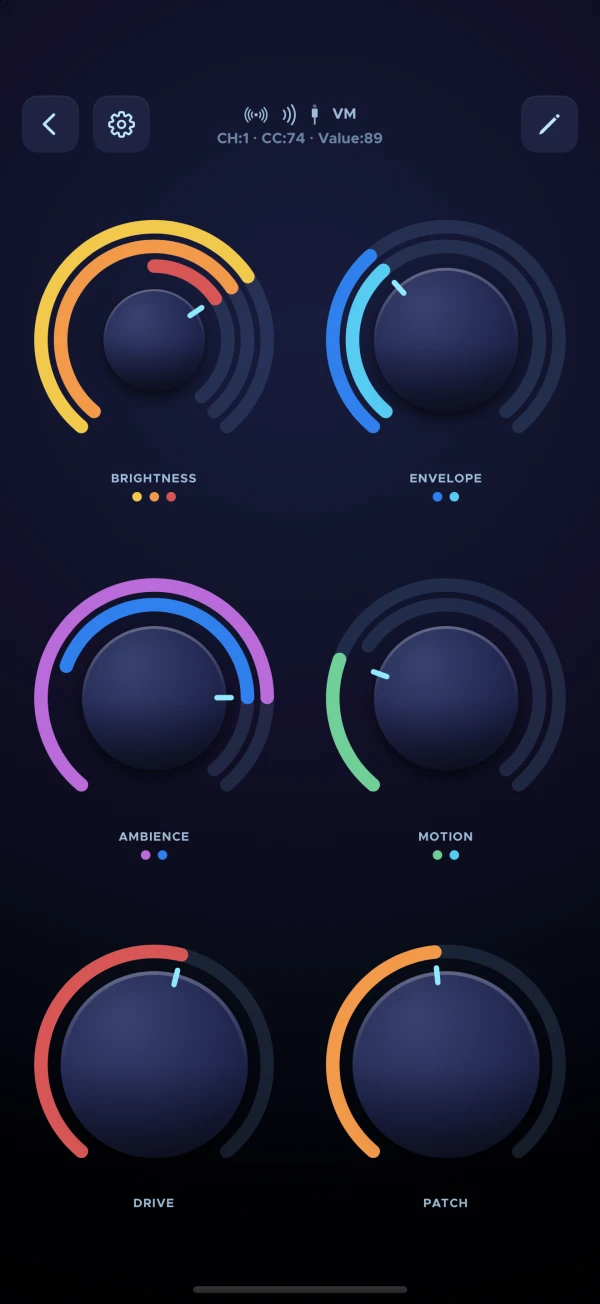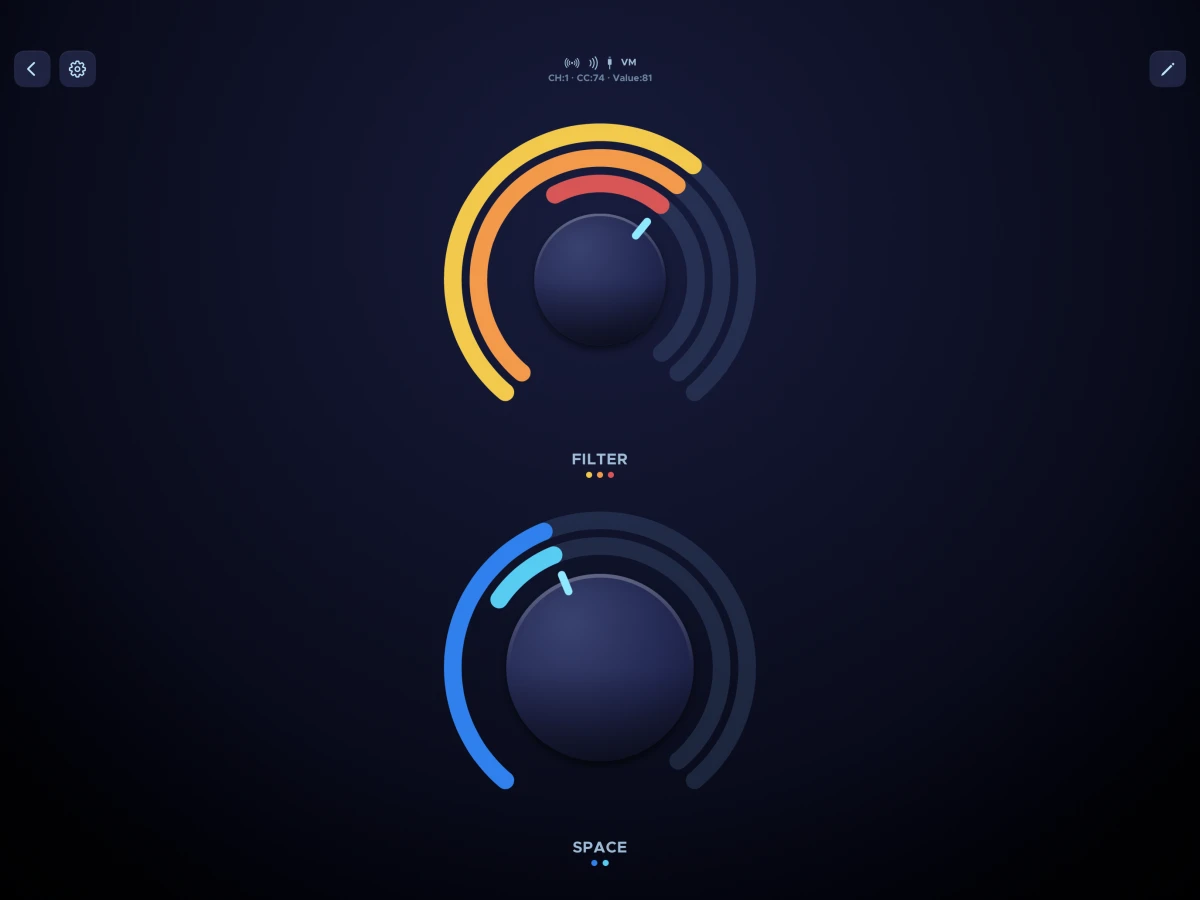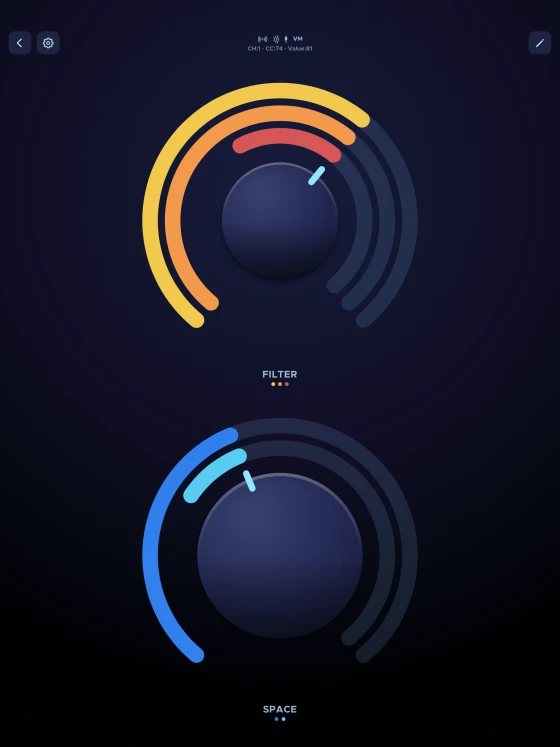
One knob. Up to eight destinations. Knob Lab is a focused MIDI controller for iPhone and iPad. Map a single knob to as many as eight MIDI destinations at once — each with its own channel, controller number and range — and see every one of them as you play.

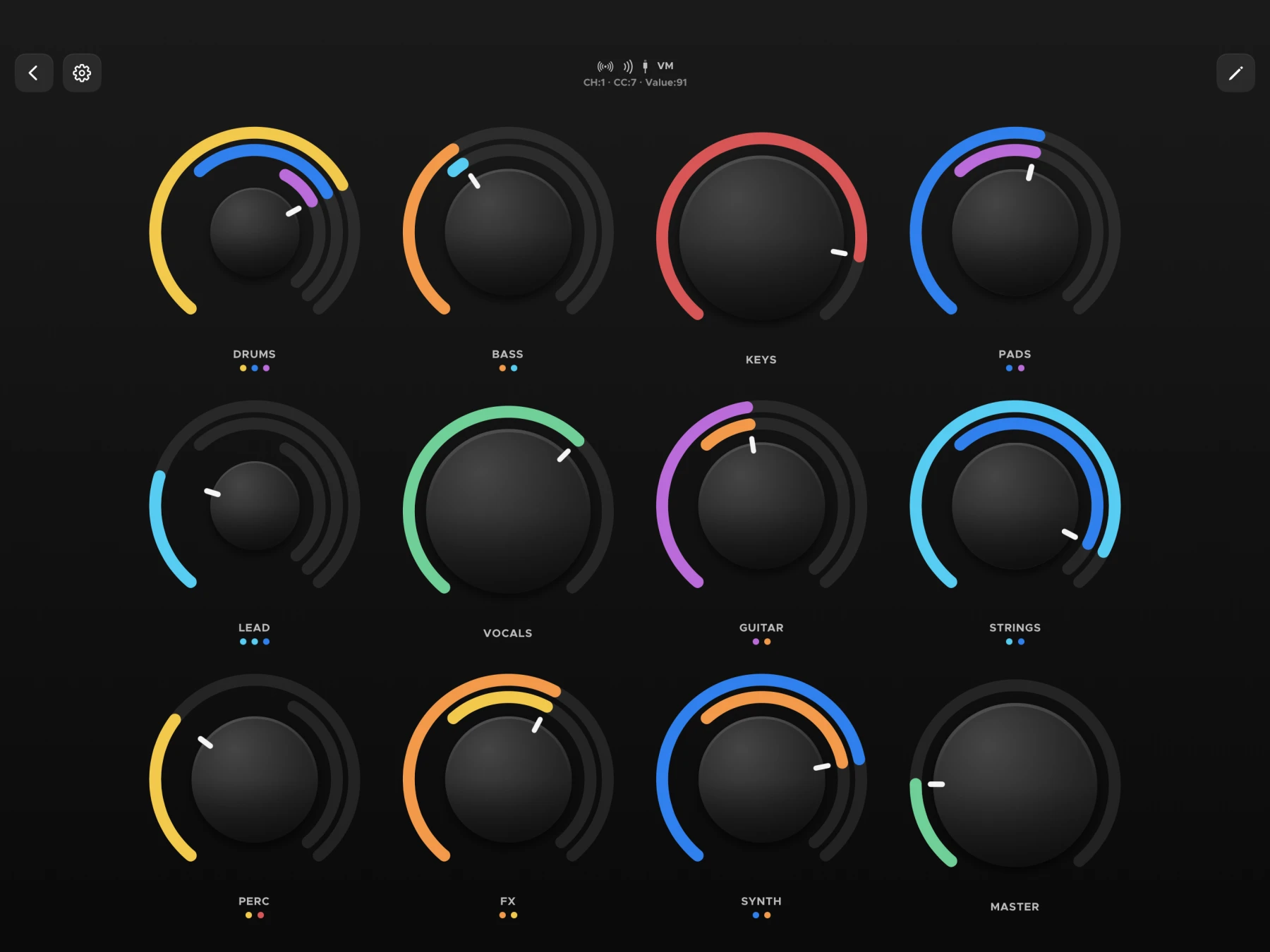
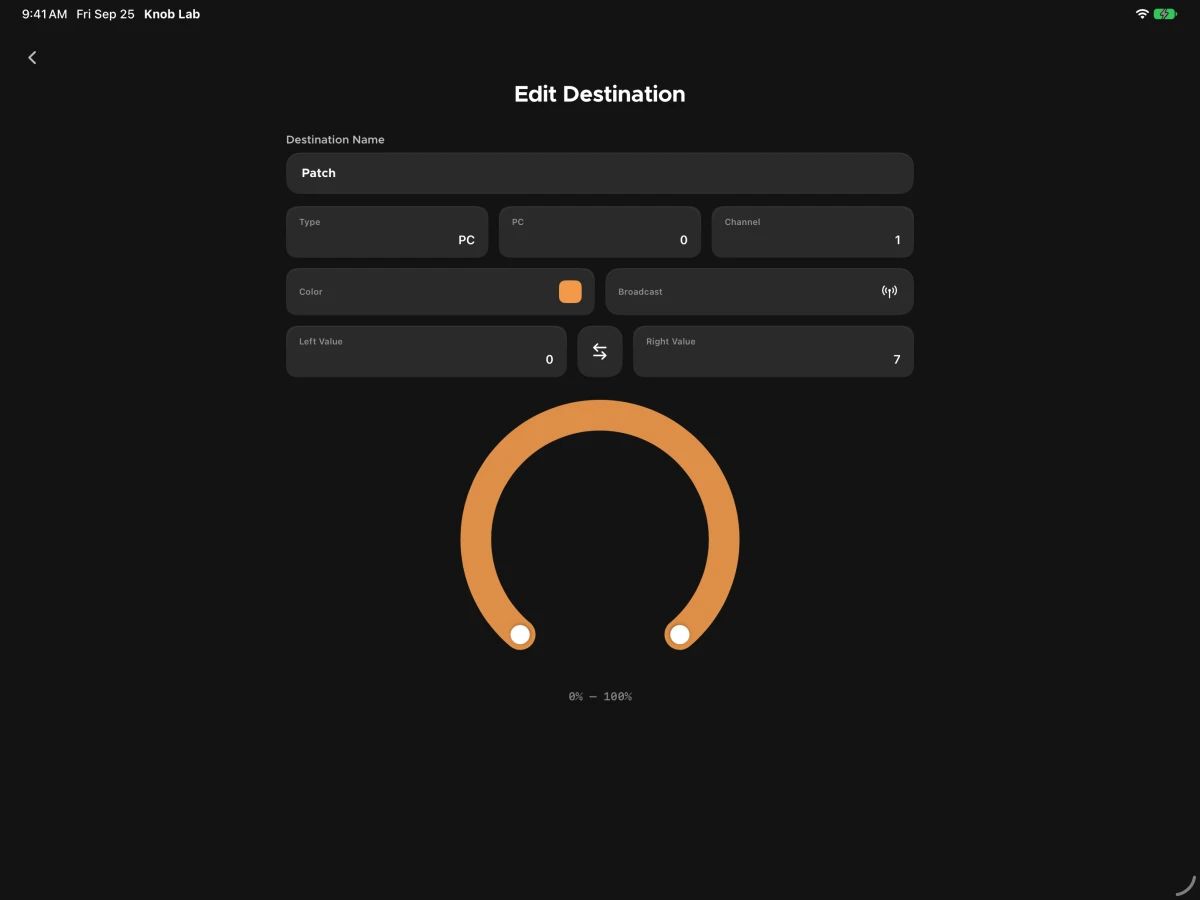
Assign a filter sweep, a reverb send and a delay mix to the same knob. Give each its own MIDI channel and controller number, and set how much of the knob’s travel it responds to — the full sweep, or just the top third.
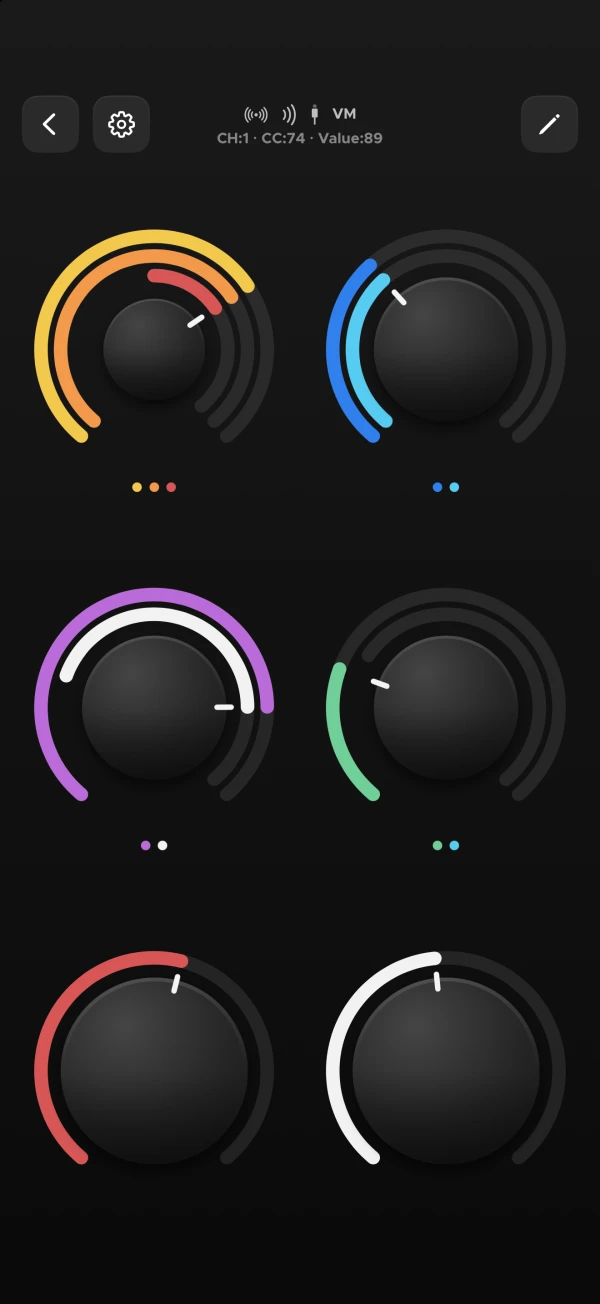
Every destination draws as its own colored lane around the dial. You always know what you’re controlling, and how far each one has moved.

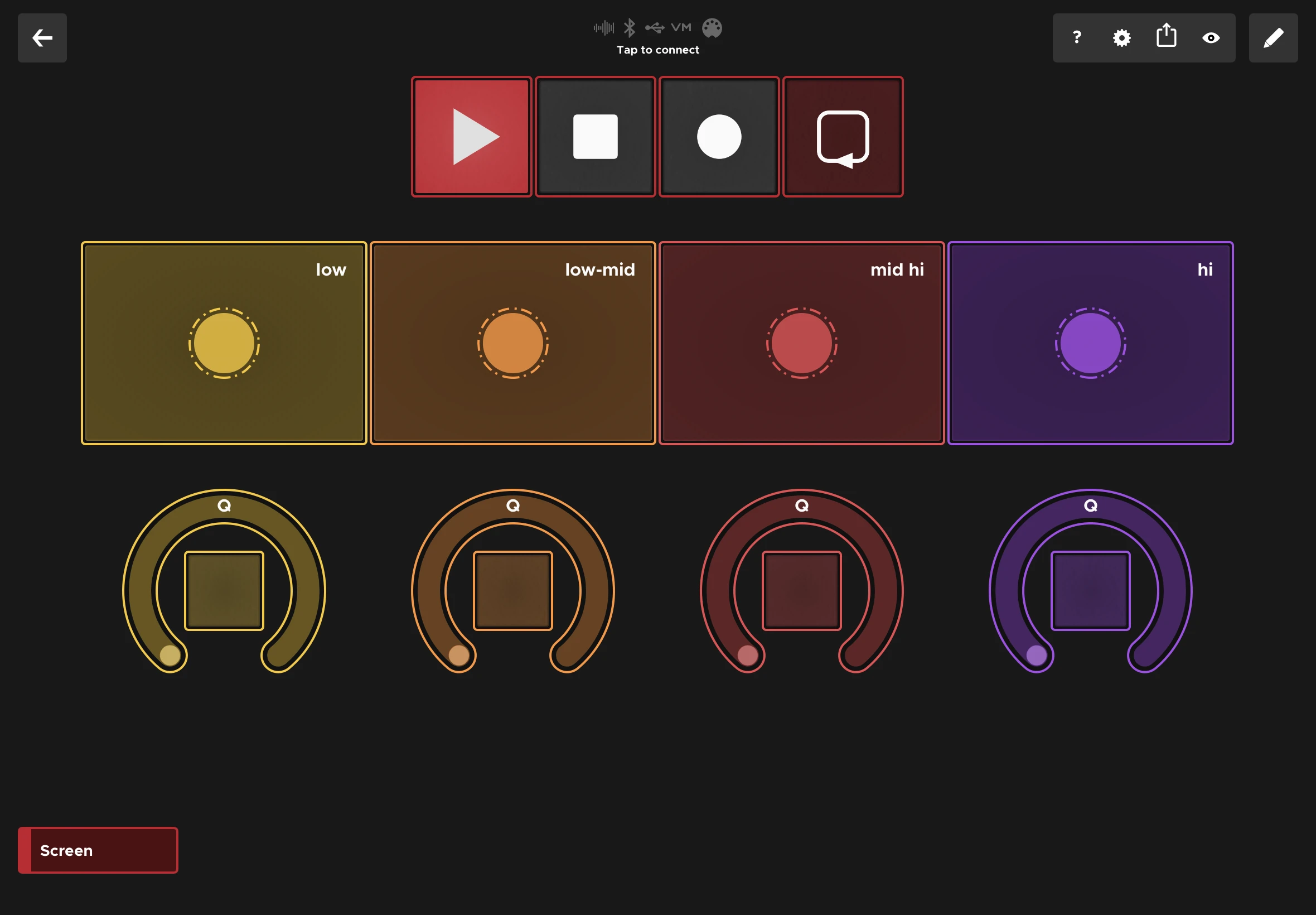
Every destination picks the kind of message it sends, so one layout can cover the parameters you ride, the patches you switch and the bends you play.
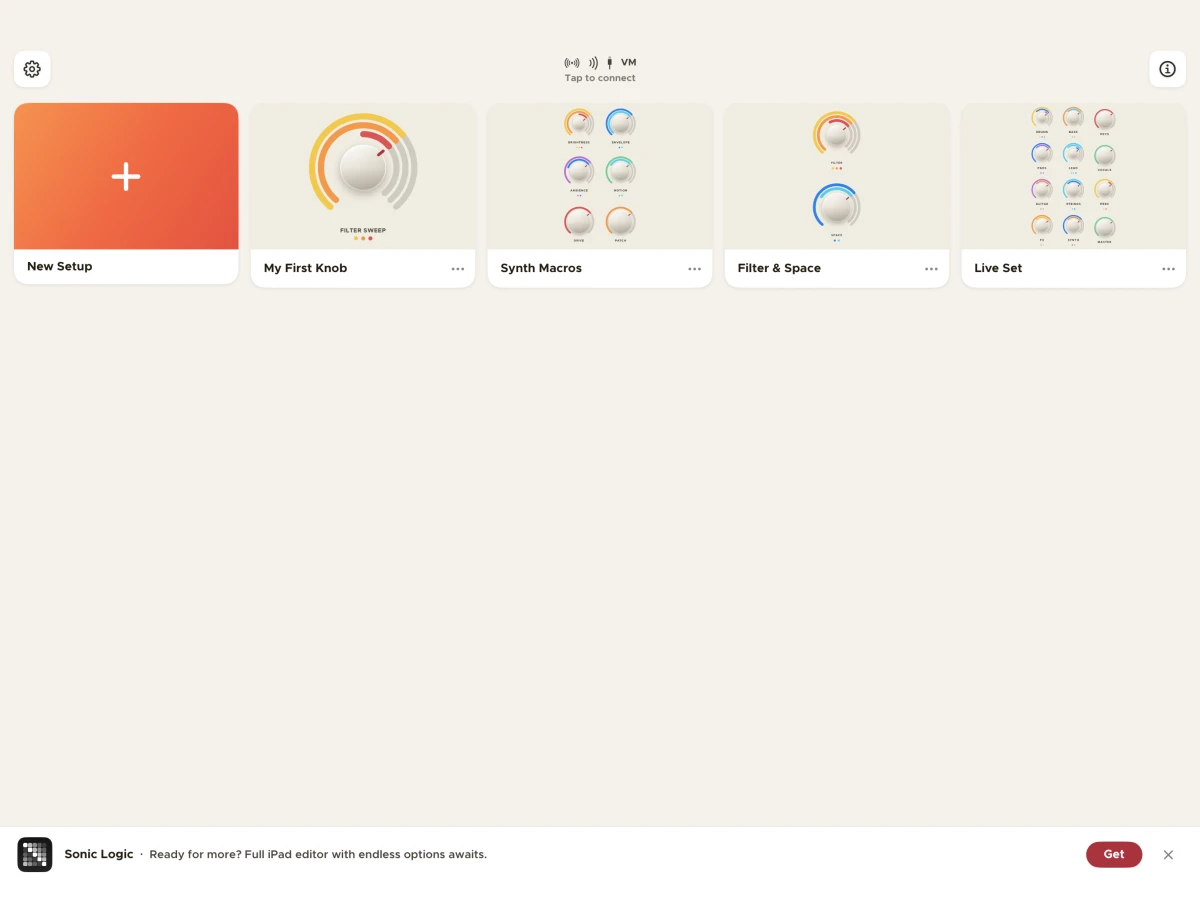
Every setup you save joins your library, drawn as its own knobs in your current theme. Tap one to open it.

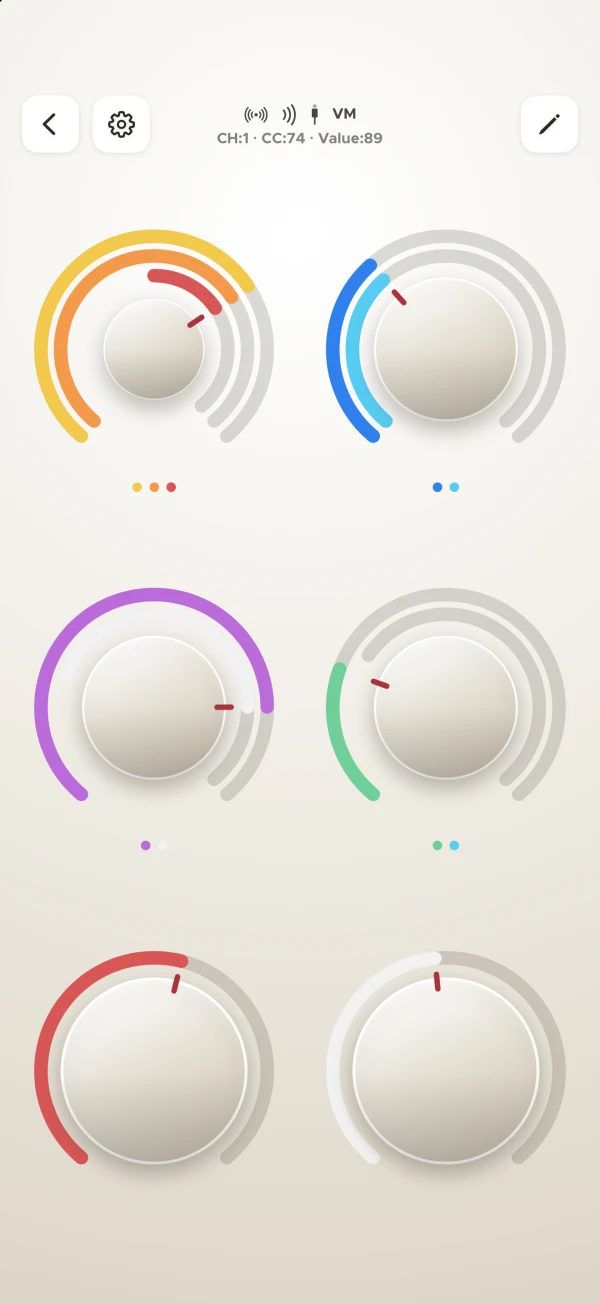
Dark for the studio, Light for the stage in daylight, Neon when you want the lanes to carry. The theme applies everywhere, including your setup library.


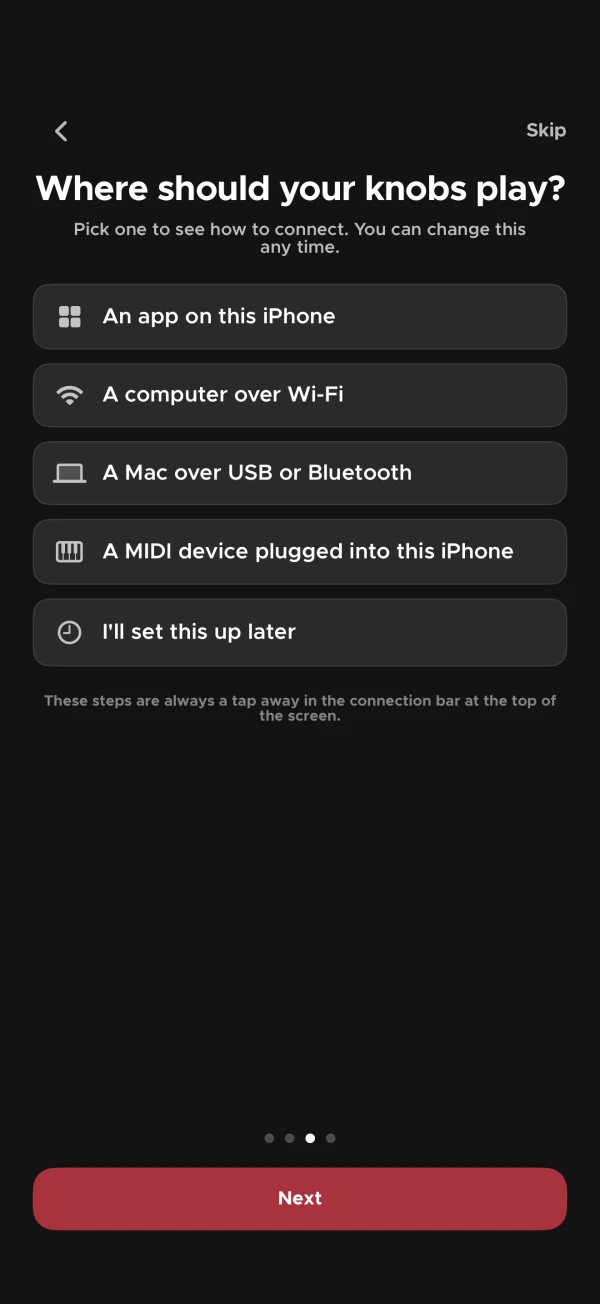
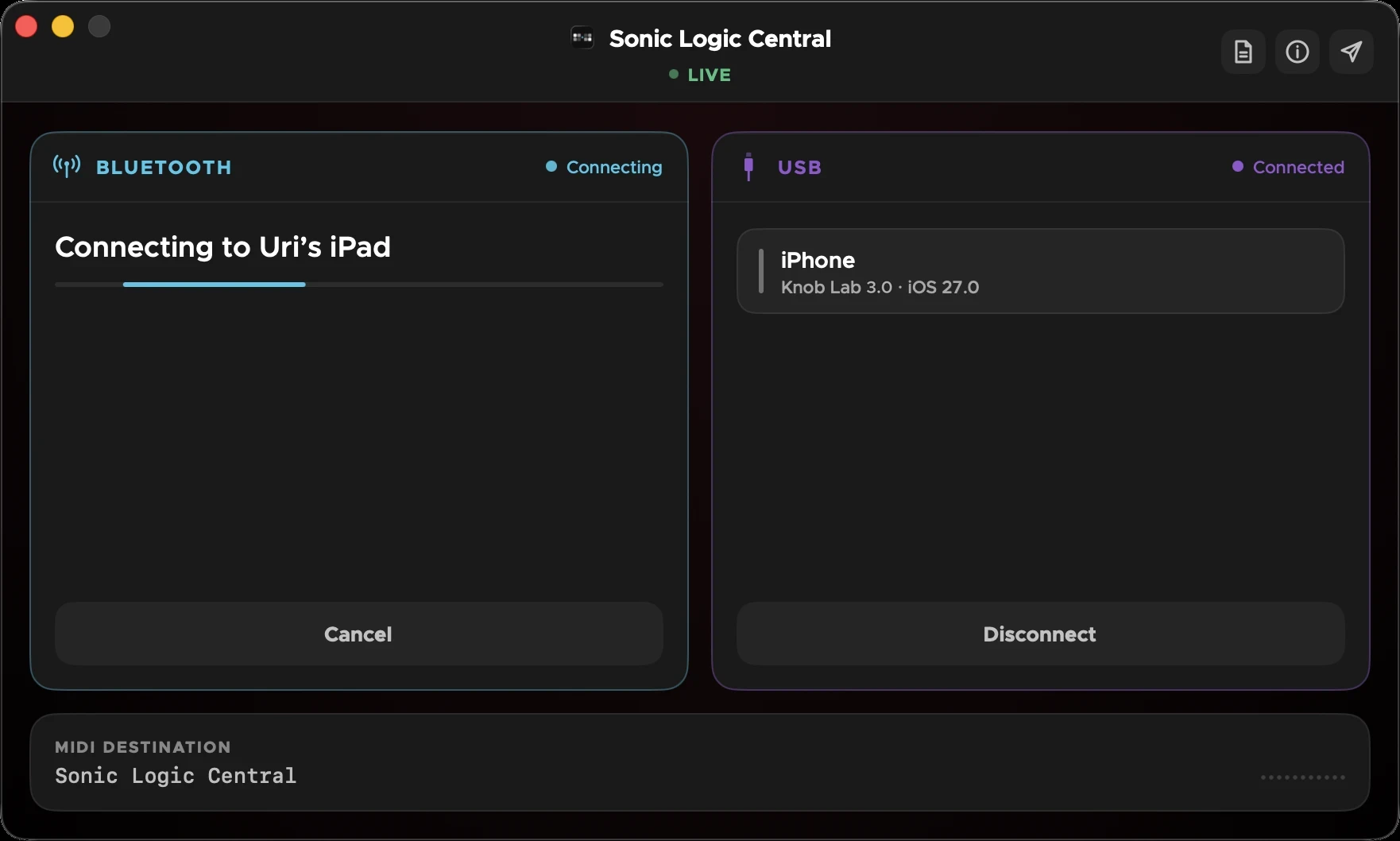
Play other apps on the same iPhone or iPad over Virtual MIDI. Reach a DAW on your Mac over USB or Bluetooth with the free Sonic Logic Central, or over Wi-Fi with no extra app, on a Mac or a Windows PC. Or plug a USB MIDI keyboard or synth straight in.
Version 3 is a complete redesign — new controller, setup library, settings and panels throughout.

New controller screen, setup library, settings and panels throughout — and three themes to draw them in.

A knob can sweep a range of program numbers, not just send one. Joins Control Change and Pitchbend.

Tell Knob Lab what you want to play, a DAW on your Mac, a DAW on Windows, an app, or your MIDI gear, and it walks you through connecting, step by step, until it hears it work.

Launch Knob Lab and it connects to your Mac over Bluetooth, quickly and seamlessly, through Sonic Logic Central.